Do Smart Plugs Work With Alexa and Google Assistant? What Renters Should Know
Last Updated: December 2025
Smart plugs are often one of the first smart home devices renters buy, especially if they already use Alexa or Google Assistant. Voice control feels convenient—but many renters want to be sure smart plugs actually work well with these assistants before setting everything up.
Understanding how smart plugs connect, what features are supported, and where limitations exist helps renters avoid setup frustration and get more value from simple automation.
👉 If you’re new to smart plugs or want a renter-friendly overview of how they’re typically used in apartments, this practical guide to using smart plugs in rental homes explains the basics before diving into voice control.
🔍 Do Smart Plugs Work With Alexa and Google Assistant?
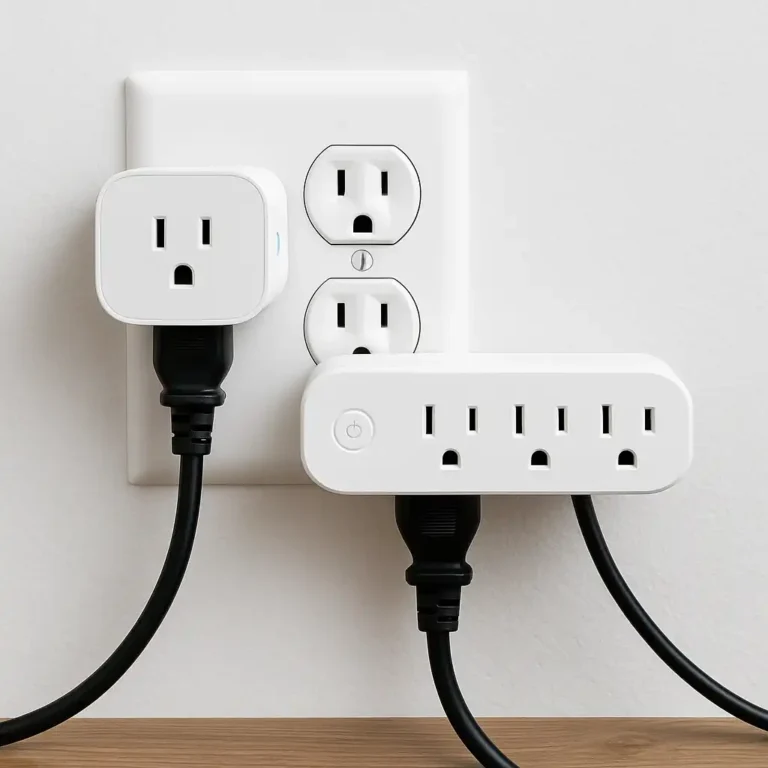
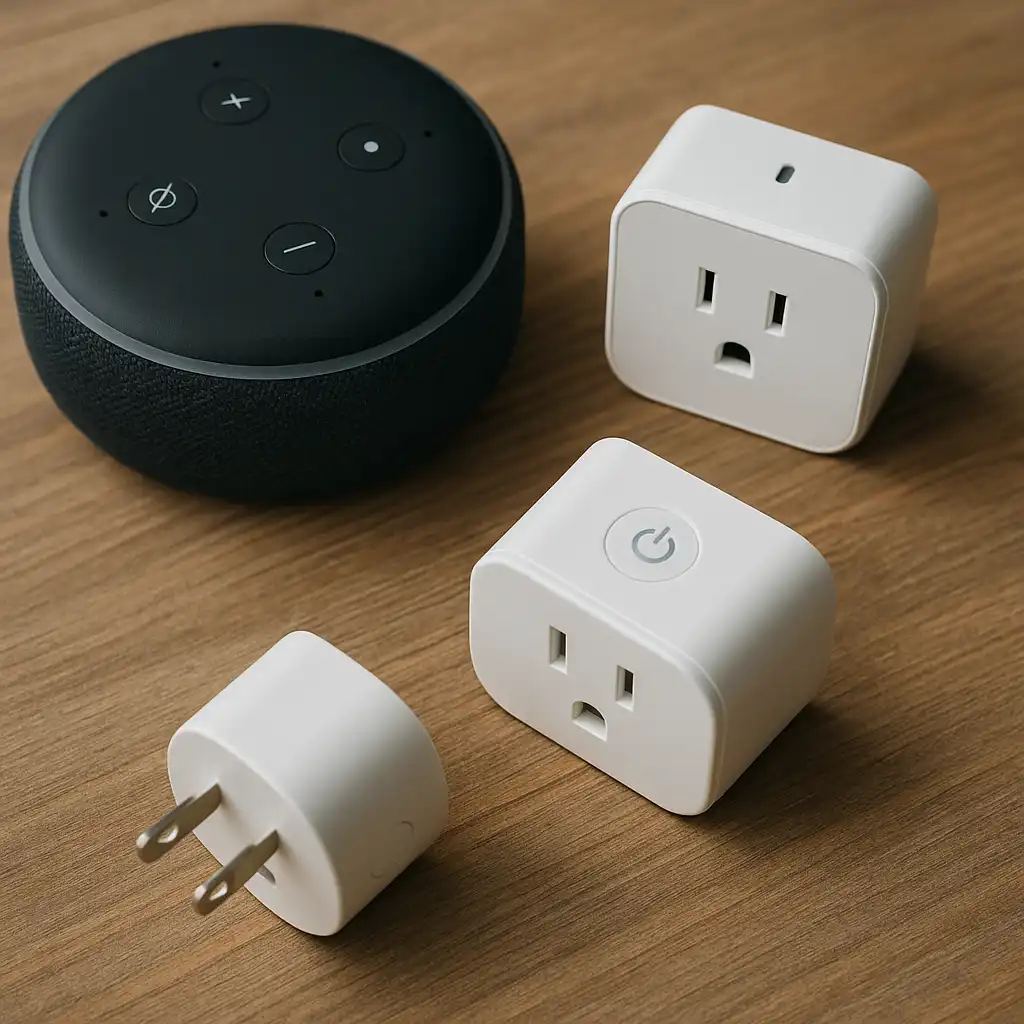
Yes—most modern smart plugs work with Alexa and Google Assistant. Once connected through the manufacturer’s app, renters can control devices using voice commands like turning lights on or off, checking device status, or activating routines.
Compatibility depends on the brand and model, so it’s always worth confirming assistant support before buying.
🔍 How Voice Control Works in Apartments
Smart plugs connect to Alexa or Google Assistant through Wi-Fi. Voice commands are processed in the cloud, then sent to the plug to turn devices on or off.
In apartments, this setup works well as long as Wi-Fi is stable. Shared networks or weak signals can sometimes cause delays, but most renters find basic voice control reliable for everyday tasks.
🔍 What You Can (and Can’t) Control by Voice
With Alexa or Google Assistant, renters can usually:
- Turn devices on and off
- Add smart plugs to routines
- Control multiple plugs at once
What voice assistants usually can’t do is provide detailed energy usage stats or advanced settings—that still requires the app.
Renters who want deeper automation often combine voice control with schedules, which is why many find it helpful to understand how to automate lights and appliances with smart plugs alongside basic voice commands.
🔍 Setup Tips for Renters
Setting up voice control is usually straightforward:
- Install the smart plug’s app
- Connect the plug to Wi-Fi
- Link the app to Alexa or Google Assistant
- Assign clear device names
Using simple names like “desk lamp” or “bedroom fan” makes voice control more reliable in small apartment spaces.
🔍 Common Issues Renters Run Into
Most problems with voice control come from:
- Weak Wi-Fi signals
- Duplicate device names
- Unsupported plug models
- Delays caused by shared apartment networks
Rechecking compatibility and keeping device names unique usually solves these issues quickly.
📌 Key Takeaways
- Most smart plugs work with Alexa and Google Assistant
- Voice control depends on Wi-Fi stability
- Basic commands work better than complex requests
- Automation and schedules add more value than voice alone
- Compatibility should be checked before buying
🟢 FAQs
Q: Do all smart plugs support Alexa and Google Assistant?
No. Most do, but renters should always confirm compatibility for the specific model.
Q: Can renters use voice control without Wi-Fi?
No. Voice assistants require an active internet connection.
Q: Is Alexa better than Google Assistant for smart plugs?
Both work well. The experience depends more on the plug brand than the assistant.
Q: Can multiple renters use voice control in one apartment?
Yes. Multiple users can be added through shared assistant accounts.
✅ Conclusion
Smart plugs work well with Alexa and Google Assistant in most apartments, making voice control a convenient option for renters. While Wi-Fi stability and device compatibility matter, basic on/off control and simple routines are usually reliable. When combined with automation and scheduling, voice assistants become a useful—though optional—part of a renter-friendly smart home setup.