The best smart home devices for renters are the ones that plug in, screw in, stick on, or clamp over what's already there: smart plugs, smart bulbs, plug-in cameras, retrofit smart locks, battery sensors, and add-on blind motors. Start with a $10 smart plug or a smart bulb, pick one ecosystem, and add one device at a time. Everything on this list comes off in minutes and moves with you to your next place.
Also read: Plug In Solar Panels for Balcony – Setup Guide for Renters (Outlet, Mounting & What to Buy) · No Drill Wall Decor Ideas for Renters (Tenant-Friendly) · Balcony Solar for Renters: What It Is, Laws, Cost & Setup
Quick answer
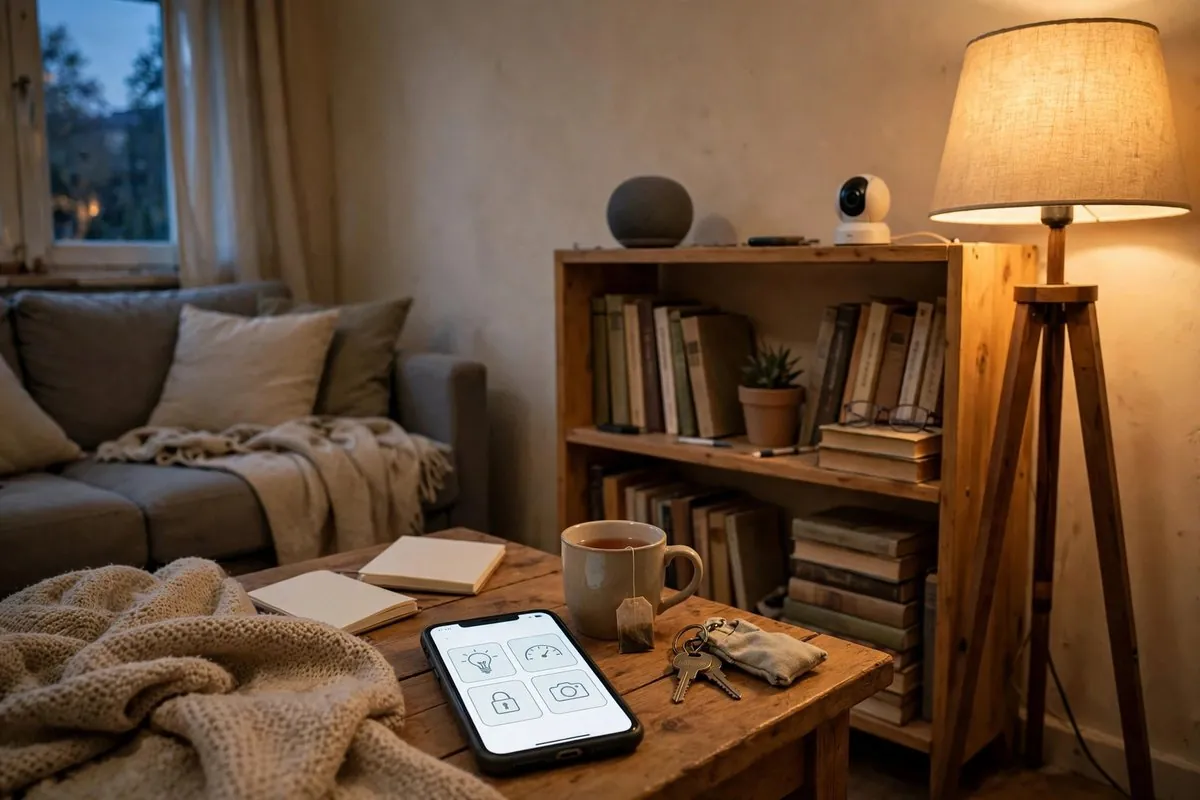
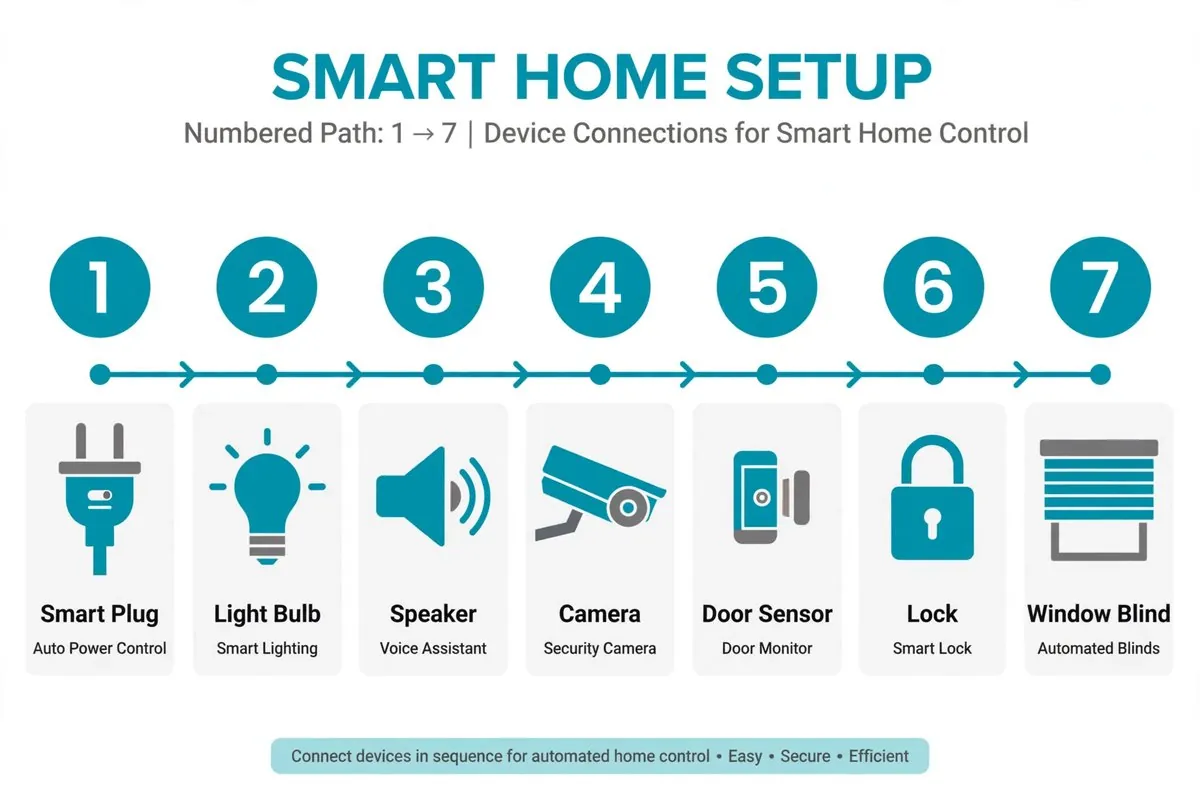
Buy in this order: 1) a smart plug or smart bulb for the light you use most, 2) a smart speaker or hub if you don't already have one, 3) a plug-in indoor camera or battery sensors for peace of mind, 4) a retrofit smart lock that keeps your existing deadbolt and key (with landlord approval), and 5) an add-on blind or curtain motor. Choose Matter-compatible devices when you can, so they work with Alexa, Google Home, Apple Home, and SmartThings.
Key takeaways
- Renter-friendly means no wiring changes, no drilling, and a 10-minute removal.
- Matter devices keep your options open if you switch phones or voice assistants.
- Plug-in and battery devices cover lighting, cameras, sensors, and even locks.
- Smart thermostats and in-wall switches usually need landlord approval.
- A starter setup costs about $50 to $150 (prices checked November 2026).
What renters can and can't do with smart home tech
Renters can add devices. Renters usually can't change the building's wiring, doors, or fixtures without permission.
| Usually fine | Ask your landlord first | Usually not allowed without approval |
|---|---|---|
| Smart plugs and power strips | Retrofit smart lock on your deadbolt | Replacing the deadbolt or door hardware |
| Smart bulbs in your lamps and fixtures | Smart thermostat | Rewiring wall switches |
| Plug-in or battery cameras inside your unit | Video doorbell on a shared hallway | Cameras that record common areas |
| Battery contact and motion sensors | Adhesive mounts on doors and frames | Drilling into walls or frames |
| Smart speakers and displays | Changes to building Wi-Fi | Anything that blocks a fire exit |
Two rules worth remembering. First, keep the landlord's ability to enter in emergencies, which usually means keeping a working key. Second, check privacy laws before pointing a camera at shared spaces.
The best smart home devices for renters, ranked by what to buy first
Here's a practical order for building a smart home for renters, from the cheapest, easiest wins to the bigger purchases.
| Priority | Device | Why it's first | Install | Approx. price (Nov 2026) |
|---|---|---|---|---|
| 1 | Smart plug | Makes any lamp or fan smart | Plug in | $8 to $15 |
| 2 | Smart bulb | Dimming, color, schedules | Screw in | $10 to $25 per bulb |
| 3 | Smart speaker or display | Voice control and often a hub | Plug in | $35 to $100 |
| 4 | Indoor camera | Check on pets and packages | Shelf or adhesive | $35 to $60 |
| 5 | Battery sensors | Door, window, leak alerts | Adhesive | $15 to $35 each |
| 6 | Retrofit smart lock | Keyless entry, keeps your key | Clamps to thumbturn | $120 to $230 |
| 7 | Blind or curtain motor | Automated shades | Clips on | $60 to $130 per window |
| 8 | Smart thermostat | Heating and cooling schedules | Wiring | $80 to $250, needs approval |
1. Smart plugs
A smart plug is the easiest first step. Plug it into the wall, plug a lamp into it, and you can control the lamp from your phone or voice assistant. Good options include TP-Link Kasa and Tapo plugs, Meross, and Eve Energy for Apple households. Our pillar guide What Is a Smart Plug? How It Works & What Renters Can Do With One covers how they work and what not to plug in.
2. Smart bulbs
Smart bulbs replace your regular bulbs and add dimming, color, and schedules. They're perfect for rentals with one overhead light and no dimmer. Leave the wall switch on, because cutting power makes the bulb unreachable. See How to Set Up Smart Lights in an Apartment Without Rewiring for setup tips.
3. A smart speaker or hub
A smart speaker gives you voice control and often doubles as a hub. Some Echo, Nest, and HomePod models also act as Thread border routers for Matter devices. Pick the ecosystem your household already uses.
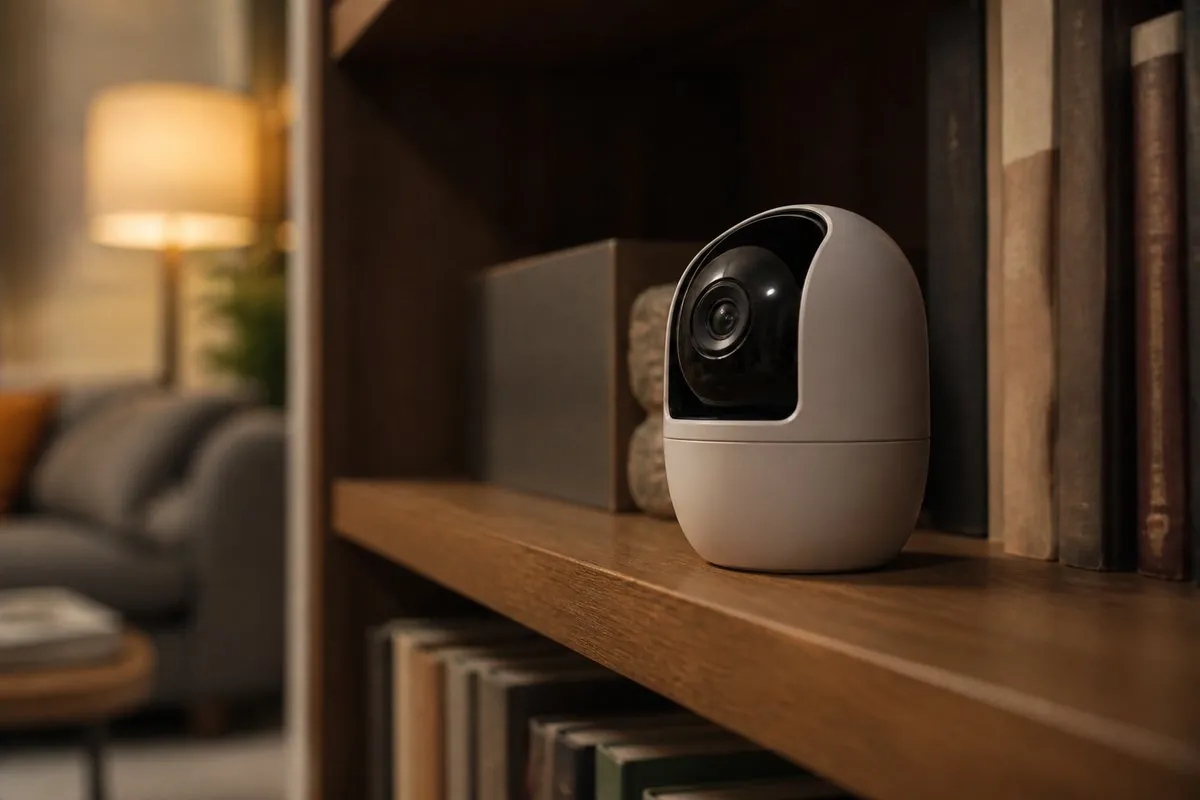
4. Indoor cameras
Plug-in cameras like the Wyze Cam v4 (about $40) sit on a shelf or stick on with adhesive. Keep them inside your unit, and be careful about recording areas shared with roommates or neighbors.
5. Battery sensors
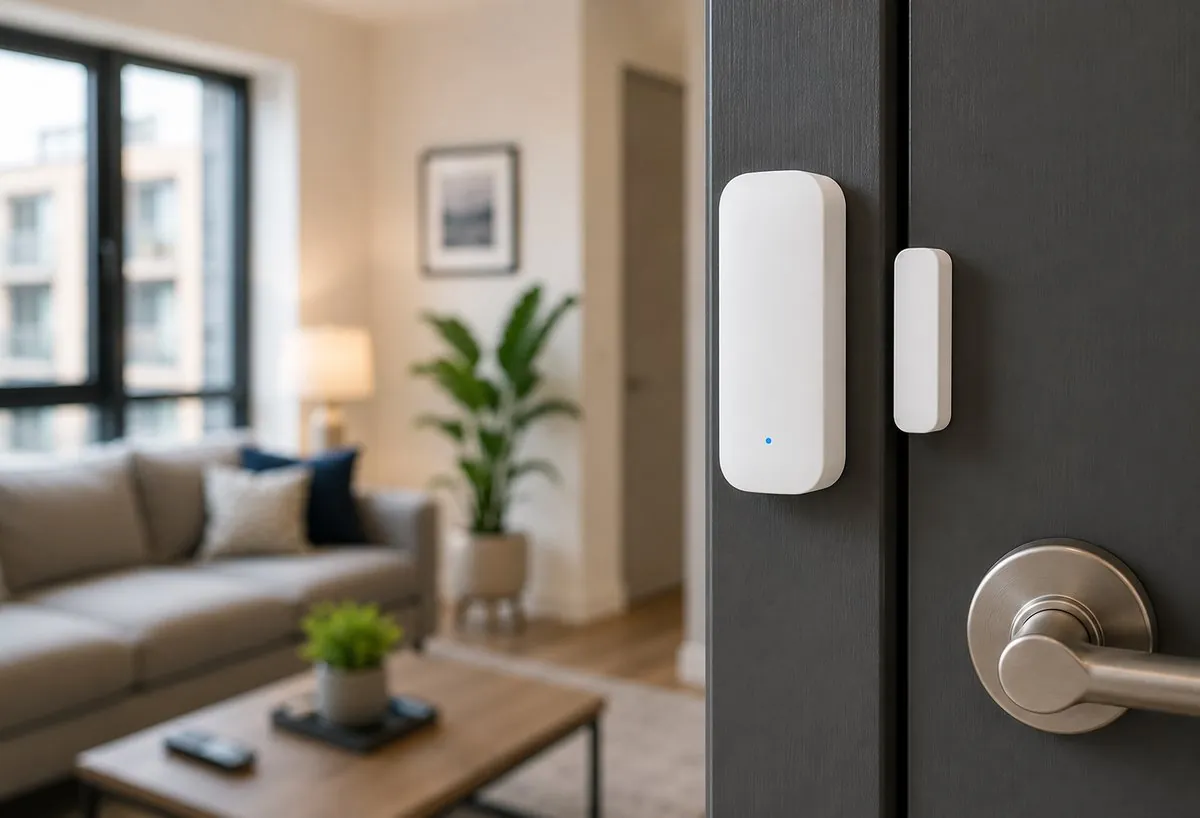
Door and window contact sensors, motion sensors, and water leak sensors stick on with adhesive and run for months on a coin battery. A leak sensor under the sink is one of the most useful devices a renter can own, because water damage is often a big deposit risk.
6. Retrofit smart locks
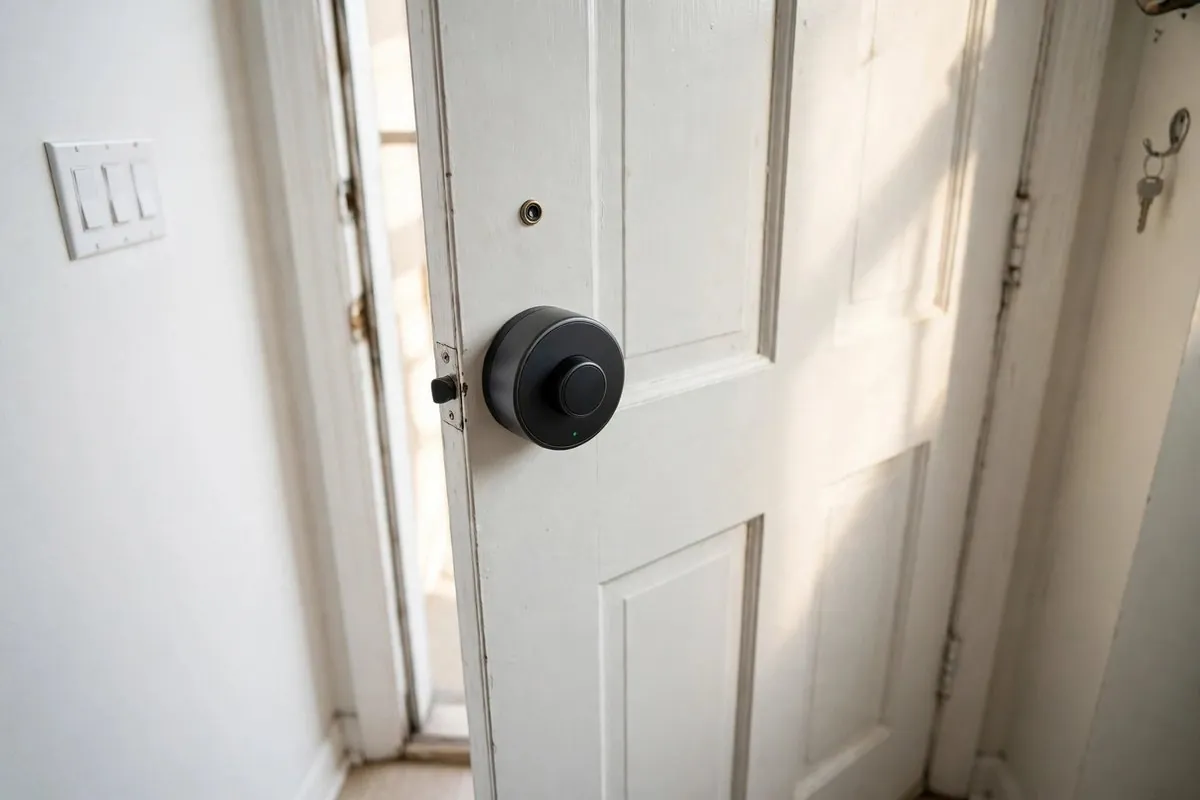
A retrofit lock clamps over the inside thumbturn of your existing deadbolt, so the outside looks the same and your key still works. The August Wi-Fi Smart Lock (about $230) and the SwitchBot Lock Pro (adhesive mount) are common renter picks. Avoid locks that replace the whole deadbolt unless your landlord approves. Ask first, and keep the original parts.
7. Smart blinds and curtain motors
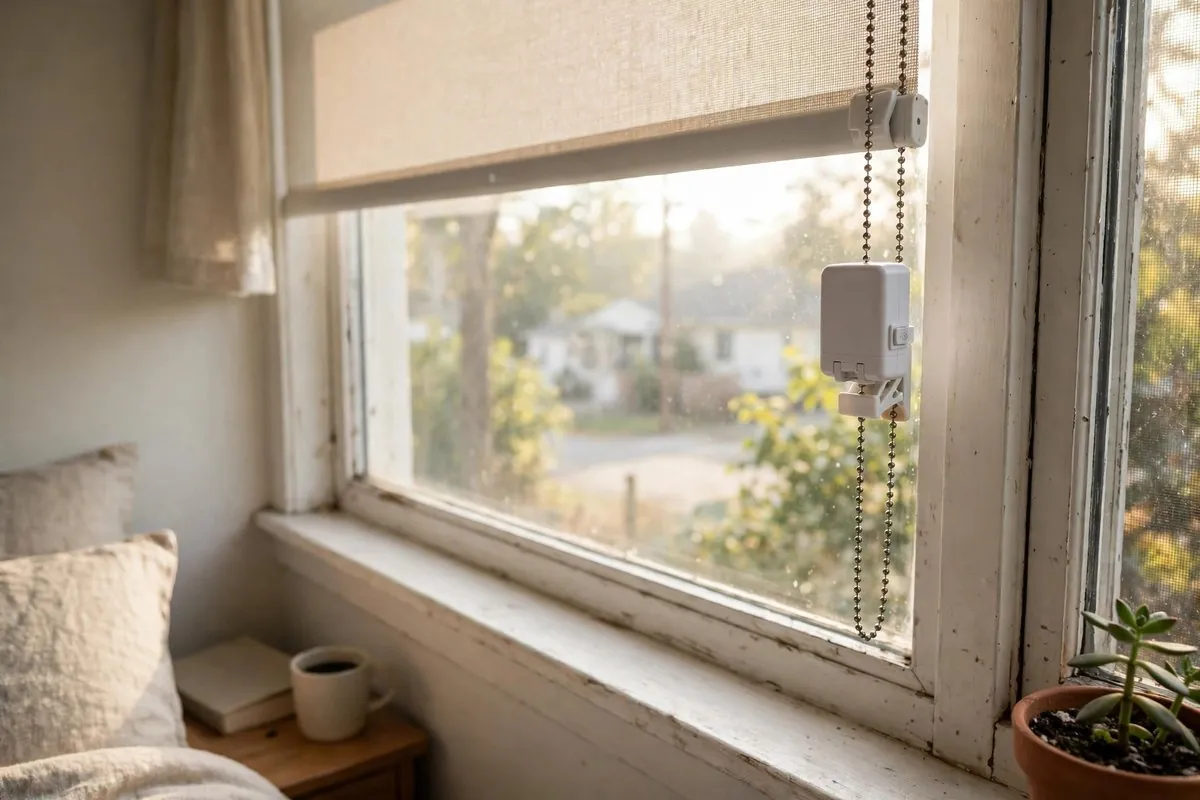
Add-on motors clip onto existing blinds or curtain rods. They're one of the most satisfying upgrades in a rental, especially for bedroom blackout shades. Read How to Retrofit Smart Blinds Without Drilling (HomeKit, Matter, Alexa) before you buy.
8. Smart thermostats
Most smart thermostats need wiring changes, and many rentals don't have a C-wire. Ask your landlord first, or look at plug-in alternatives like smart AC controllers. Read No C-Wire? Smart Thermostat Options for Renters for the options.
How we chose these devices
We picked device types, not a single brand, because the right model depends on your ecosystem and budget. Every category on this list had to meet four renter tests:
- No wiring changes. It plugs in, screws in, sticks on, or clamps over existing hardware.
- Fast removal. It comes off in about 10 minutes with no tools or damage.
- Portable. It works in your next apartment without new parts.
- Broad compatibility. Matter support, or at least Alexa and Google Home support.
Prices and specs come from manufacturer pages and major retailer listings checked in November 2026, plus patterns in buyer reviews. We don't claim hands-on lab testing.
Best smart home setup for renters by apartment type
Your layout changes what's worth buying. Here's a starting plan for common rental types.
| Apartment type | Biggest pain point | Best first devices | Skip for now |
|---|---|---|---|
| Studio | One light, one switch | 2 smart bulbs, 1 smart plug for string lights | Smart lock, multiple cameras |
| One-bedroom | Lights in two rooms, deliveries | Smart plugs, bulbs, an indoor camera facing the door | Thermostat |
| Shared apartment | Different phones, privacy | Matter plugs and bulbs, smart lock for your bedroom door with approval | Cameras in common areas |
| Older building | Weak Wi-Fi, no C-wire | Mesh-friendly devices, plug-in AC controller | Smart thermostat |
| Ground-floor unit | Security, drafts | Door and window sensors, indoor camera, draft sensor alerts | Outdoor camera on shared walls |
| Pet owner | Checking on pets | Indoor camera, smart plug for a fan, leak sensor near the water bowl | Smart locks with automatic entry |
Studios and small apartments
In a small space, lighting makes the biggest difference. Smart bulbs in two or three lamps create zones for sleeping, working, and relaxing. A smart plug on string lights adds warmth without a new fixture.
Shared apartments
Matter matters most here. Each roommate can use their own app, and nobody needs to share a password. Agree on house rules for cameras and voice assistants before anything goes up in shared rooms.
Older buildings
Old buildings often have thick walls, weak Wi-Fi, and no C-wire for thermostats. Thread-based Matter devices build their own mesh network between devices, which helps in long, narrow apartments. For heating and cooling, plug-in smart AC controllers work with many window and mini-split units without touching wiring.
Affordable smart home tech for renters: where to save and where to spend
You don't need premium gear for most of a renter's smart home. Save on the simple stuff and spend where reliability or security matters.
Save on:
- Smart plugs. Budget Matter plugs do the same on/off job as premium ones.
- Basic white smart bulbs. Color bulbs cost more and many people rarely use color.
- Multi-packs. Four-packs often cut the per-device price by a third or more.
Spend on:
- Smart locks. Pick a well-reviewed brand with good app support and long battery life.
- Leak sensors. A cheap sensor that misses a leak can cost you far more than it saved.
- Cameras with clear privacy settings, local storage options, and two-factor login.
A simple rule: if a device failing would cost you money, safety, or privacy, buy the better one.
Smart home for renters outside the US
The same principles apply in Canada, the UK, Australia, and Europe, but plug types and voltages differ. Buy devices made for your country's outlets and voltage, and don't use travel adapters with smart plugs. Matter is a global standard, so Matter-certified devices sold in your region work with the main ecosystems. Lease rules on locks and fixtures vary by country, so always ask before changing door hardware.
How to choose a smart home ecosystem as a renter
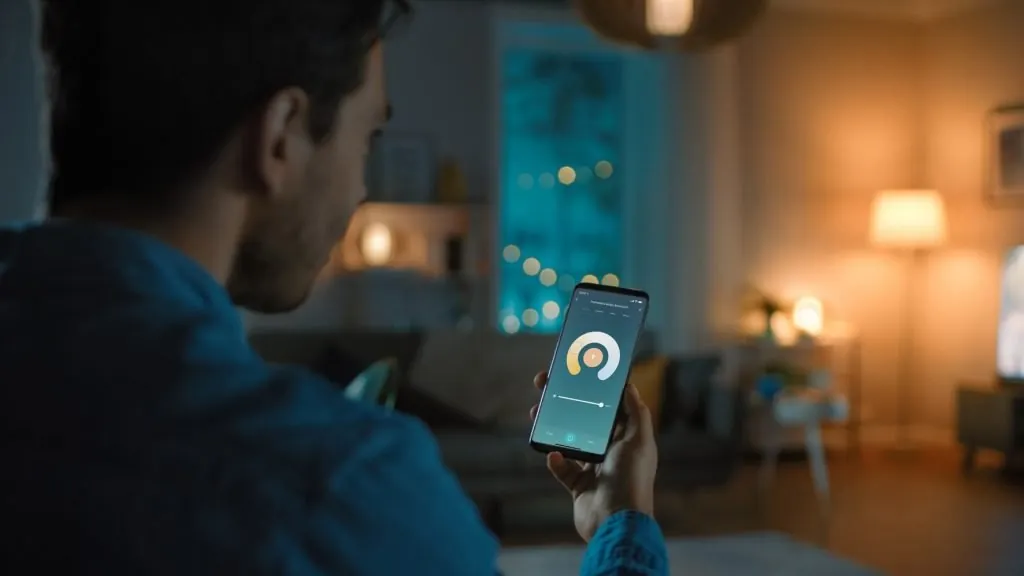
Pick the voice assistant or phone platform your household already uses, then favor Matter-certified devices. That combination gives you the least friction now and the most freedom later.
| Ecosystem | Best if you | Notes for renters |
|---|---|---|
| Amazon Alexa | Already own Echo speakers | Huge device support, simple routines |
| Google Home | Use Android and Nest devices | Strong voice search, Nest cameras |
| Apple Home | Have iPhones in the household | Strong privacy, needs a home hub for remote control |
| SmartThings | Want lots of device types | Good for mixed setups |
| Matter (works across all of the above) | Share an apartment with different phones | Best choice for portability |
The Matter standard lets one device work with multiple ecosystems. That's a real advantage when you share an apartment, switch phones, or move in with someone who uses a different assistant. For the technical side, see Matter, Thread, Zigbee and Wi-Fi: What Is the Difference?.
Smart home automation for renters: five routines worth setting up
Smart home automation for renters works best when it removes a daily hassle. These routines need only plug-in or battery devices.
- Arrive home: Turn on the entry lamp at sunset or when your phone gets close.
- Bedtime: Turn off every lamp, lower the blinds, and switch on a fan.
- Away mode: Switch lamps on and off in the evening while you travel.
- Leak alert: Send a phone alert and flash a light if the leak sensor gets wet.
- Morning: Raise the blinds and start a simple coffee maker on a smart plug.
Start with one routine and live with it for a week before adding more.
Wi-Fi, privacy, and shared buildings
Your smart home is only as reliable as your network. In apartments, that's often the weak point.
- Building-provided Wi-Fi may block device pairing or isolate devices from each other. Check before you buy, and consider your own router if allowed. See How to Set Up Smart-Home Wi-Fi in an Apartment.
- Security. Use a strong Wi-Fi password, turn on two-factor login for smart home apps, and keep firmware updated. Our guide How to Secure Smart Devices on Shared Apartment Wi-Fi walks through it.
- Privacy. Cameras shouldn't record roommates' private spaces or shared hallways without consent. Laws vary by state.
- Internet outages. Matter and hub-based devices often keep working locally. Cloud-only devices may not.
Smart home devices renters should skip or think twice about
Some popular devices are a poor fit for rentals. Here's what to avoid, or at least check carefully first.
| Device | Why it's a problem in a rental | Better alternative |
|---|---|---|
| In-wall smart switches | Requires rewiring the electrical box | Smart bulbs, smart plugs, or a stick-on smart button |
| Full replacement smart deadbolts | Changes the lock, may break lease rules | Retrofit lock that keeps your key |
| Hardwired video doorbells | Needs doorbell wiring and drilling | Battery doorbell with a no-drill mount, with approval |
| Hardwired smart thermostats | Needs wiring and often a C-wire | Plug-in AC controller or smart space heater |
| Outdoor cameras on shared walls | Drilling and privacy issues | Indoor camera facing your own door |
| Smart smoke alarms replacing landlord units | Landlord is often responsible for alarms | Leave alarms alone; add a separate smart leak sensor |
The smoke alarm point is worth stressing. In many places, the landlord is legally responsible for smoke and carbon monoxide alarms. Don't remove or replace them. If you want alerts, add a separate listening device or ask your landlord about a connected model.
For doorbells and entry security, see Door Lock Without Drilling: Renter Options for Doors & Glass and our troubleshooting guides if your devices keep dropping offline: Smart Home Troubleshooting: Fix Offline Devices, Hubs & Wi-Fi Problems.
Landlord, deposit, and move-out notes
Most renter smart home devices leave no trace. The ones that touch doors, frames, or walls need a little care.
- Get approval in writing for locks, doorbells, and thermostats.
- Keep original parts in a labeled bag, like the old thumbturn or thermostat.
- Remove adhesive mounts slowly with gentle heat and test on a hidden spot first.
- Reset every device and remove it from your account before you hand back the keys. Our How to Reset and Remove Smart Devices Before Moving Out checklist covers each device type.
- Never lock out the landlord. Keep a working key for emergencies, as most leases require.
What does a renter smart home cost?
You can build a useful starter setup for about $50 to $150. A fuller setup with a lock and blind motors runs $400 to $700. Prices checked November 2026 and vary by retailer and sales.
| Setup | What's included | Approx. total |
|---|---|---|
| Starter | 2 smart plugs, 2 smart bulbs | $40 to $80 |
| Connected | Starter, plus a smart speaker | $75 to $180 |
| Peace of mind | Connected, plus 1 camera and 2 sensors | $140 to $300 |
| Full renter setup | Peace of mind, plus retrofit lock and 2 blind motors | $380 to $790 |
There's usually no monthly fee for basic control. Cameras may charge for cloud video history, so check before you buy.
Mistakes to avoid when building a smart home in a rental
- Mixing ecosystems at random. You'll end up with five apps. Pick one, and favor Matter.
- Buying a lock that replaces the deadbolt without permission.
- Using building Wi-Fi without checking the rules.
- Pointing cameras into shared spaces.
- Turning off smart bulbs at the wall switch. Use a switch cover or smart button instead.
- Forgetting to remove devices from your account before moving out.
Smart home for renters: renter scenarios
The studio with one overhead light
A renter in a 450-square-foot studio has one ceiling light controlled by the door switch. Two smart bulbs in floor lamps and one smart plug on a string light turn the room into three lighting zones for under $50. A sunset routine turns them on automatically.
Roommates with different phones
Two roommates, one on iPhone and one on Android, both want to control the living room lights. Matter bulbs and plugs let each person use their own app without sharing logins.
The frequent traveler
A renter who travels for work adds a plug-in camera facing the living room, a leak sensor under the kitchen sink, and an away-mode lighting routine. Total cost is about $90, and it all fits in a small box when they move. They also set the camera to stop recording when their phone is home, which keeps the footage focused on the hours that matter and avoids recording guests.
The renter who wants keyless entry
A renter who keeps losing keys asks the landlord about a retrofit smart lock. The request explains that the outside cylinder and key stay the same, the landlord keeps access, and the original thumbturn goes back on at move-out. The landlord approves in writing, and the lock clamps on in about 20 minutes.
Smart home guides in this series
This is the starting hub for our smart home and smart blinds articles:
- Up: Renter-Friendly Smart Home: The Complete Guide
- How to Set Up Smart-Home Wi-Fi in an Apartment
- How to Set Up Smart Lights in an Apartment Without Rewiring
- How to Secure Smart Devices on Shared Apartment Wi-Fi
- How to Reset and Remove Smart Devices Before Moving Out
- How to Retrofit Smart Blinds Without Drilling (HomeKit, Matter, Alexa)
- Smart Homes for Rent: What to Look For (and How to Make Any Rental Smart)
- Smart Vertical & Zebra Blinds for Renters (No Drilling)
- SwitchBot Roller Shade vs IKEA Fyrtur: Renter Comparison
- Related: Best No-Drill Blinds for Windows (Renter Guide) and Door Lock Without Drilling: Renter Options for Doors & Glass
FAQ
What are the best smart home devices for renters?
Smart plugs, smart bulbs, smart speakers, plug-in cameras, battery sensors, retrofit smart locks, and add-on blind motors. They all install without wiring changes and come with you when you move.
Can renters have a smart home?
Yes. Most smart home devices plug in, screw in, or stick on. Only locks that replace hardware, in-wall switches, and many thermostats usually need landlord approval.
Do I need my landlord's permission for a smart lock?
Usually yes for any lock change. A retrofit lock that keeps your existing deadbolt and key is the easiest to get approved, and you should keep the original thumbturn to reinstall at move-out.
What is the cheapest way to start a smart home in an apartment?
A single smart plug or smart bulb, at about $8 to $25. Pair it with a voice assistant you already own.
Should I buy Matter devices?
If you can, yes. Matter devices work with Alexa, Google Home, Apple Home, and SmartThings, which helps when roommates use different phones or you switch platforms later.
What should I do with smart devices when I move out?
Unplug or unclamp them, reinstall any original parts, remove adhesive carefully, reset each device, and delete it from your account.
Conclusion
The best smart home devices for renters are simple, portable, and reversible. Start with a smart plug or bulb, pick one ecosystem with Matter support, and build up to sensors, a retrofit lock, and blind motors as your budget allows. Your next step: read How to Set Up Smart-Home Wi-Fi in an Apartment so your devices connect reliably from day one.
Sources
- SmartHomeExplorer: Best smart locks for apartments and renters (2026)
- TP-Link Kasa KP125M Matter launch (MacRumors)
- Engadget: The best smart plugs in 2026
