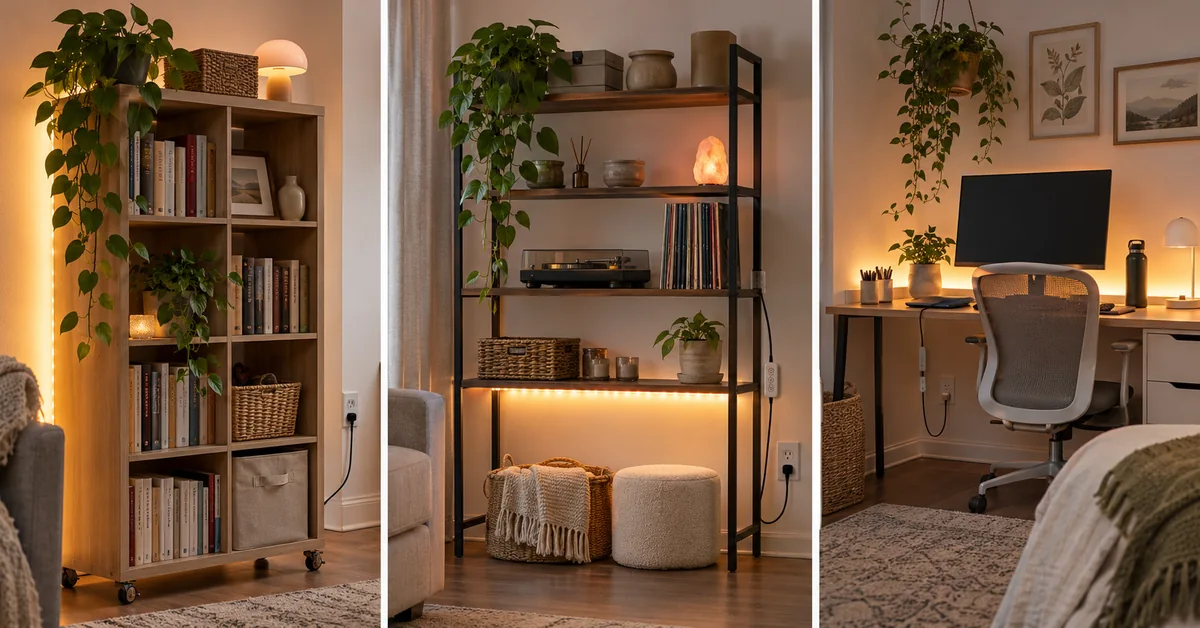
For a desk or bookcase, the Kasa KL420L5 is my first pick if you have a private 2.4 GHz Wi-Fi network and want scheduled lighting with several colors at once. For a short shelf where good white light matters more than moving effects, look at the 10-foot Philips Hue Solo. For a gaming corner or a bedroom with distinct color zones, the Govee Strip Light 2 Pro offers finer segment control. Measure the route from the outlet before choosing any of them.
Also read: Best 200W Portable Solar Panels for Apartments (2026) : HQST 200W Ultra-Light Foldable Portable Solar Panel and 5 Rivals · Troubleshooting Connectivity Issues in Multi Device Smart Home Setups · Best No-Drill Window Shades for Renters (2026) – No Tools Window Shades Compared · How to Hang Window Boxes Without Drilling (Brick, Siding & Rails) · How to Heat an Apartment Without Central Heating
Quick answer
For a desk or bookcase, pick the Kasa KL420L5. For good white light on a short shelf, pick the 10-foot Philips Hue Solo. For distinct color zones, pick the Govee Strip Light 2 Pro. Measure the route from the outlet before you buy.
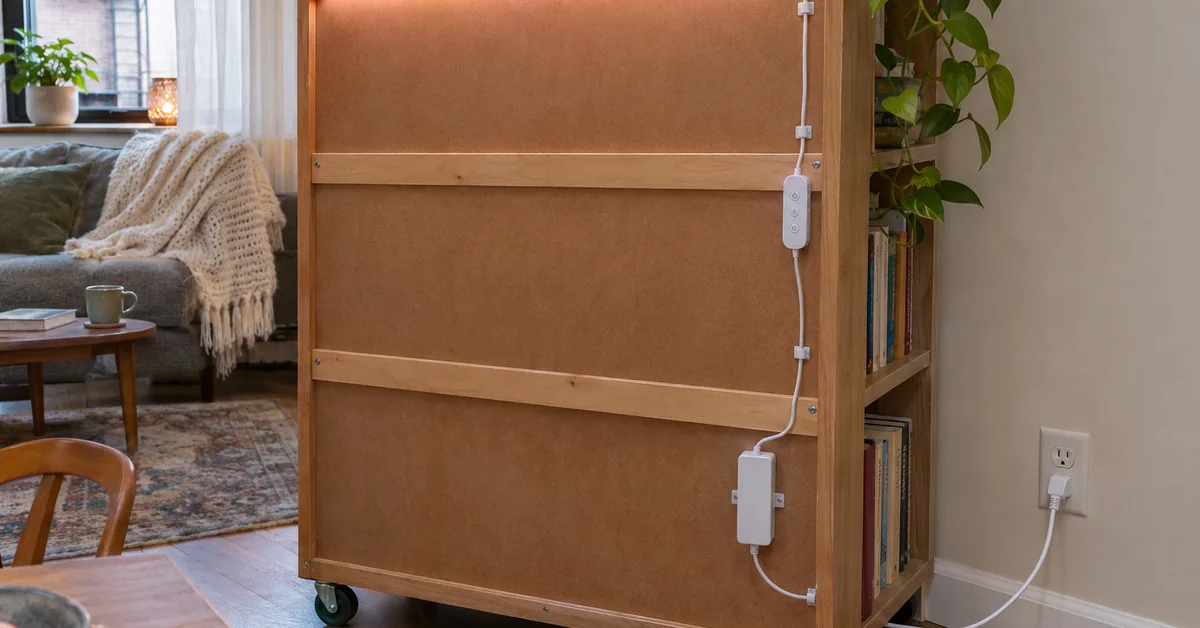
The best place for smart LED strip lights in a rental is often the back of something you own. A bookcase can carry the strip, its controller, and most of its cable to the next apartment. A strip stuck around the ceiling perimeter makes a bigger statement, but every inch of backing eventually has to come off someone else’s finish.
Which smart strip fits your room?
This comparison uses published model specifications. The model number matters even within a single brand. Kasa sells several similar-looking reels, and Hue sells both fixed-length and extendable strip families.
| Your priority | Recommended kit | Useful specification | What to check before ordering |
|---|---|---|---|
| Several colors on one shelf or desk | Kasa KL420L5 | 16.4 feet, 50 color zones, marked cuts every 10 cm | Requires a suitable 2.4 GHz network. Measure before trimming. |
| A bright white wash on a short run | Philips Hue Solo, 10 feet | Up to 1,700 lumens for the strip, dedicated white LEDs | Can be shortened but cannot be extended. Check which controls need a Bridge. |
| Color scenes with finer adjustments | Govee Strip Light 2 Pro, H61F5 | 16.4 feet, 10 controllable segments per meter, marked cut points | Select the right length and check the maker’s instructions for any joins. |
A comparison of prices for LED strip lights is only meaningful when the boxes solve the same problem. A long roll that ends at a doorway may need another complete kit for the far wall. A shorter strip that reaches the back of the desk may need nothing else. Make the shopping list after drawing the room.
Kasa KL420L5 for a desk or bookcase
TP-Link lists a five-meter strip with 50 separately controlled color zones, scheduled scenes, and Alexa and Google Assistant support. The US specification lists 2.4 GHz Wi-Fi and a maximum input power of 20.5 watts. It’s a practical combination for a bookcase you want warm and quiet on work nights but colorful when friends visit.
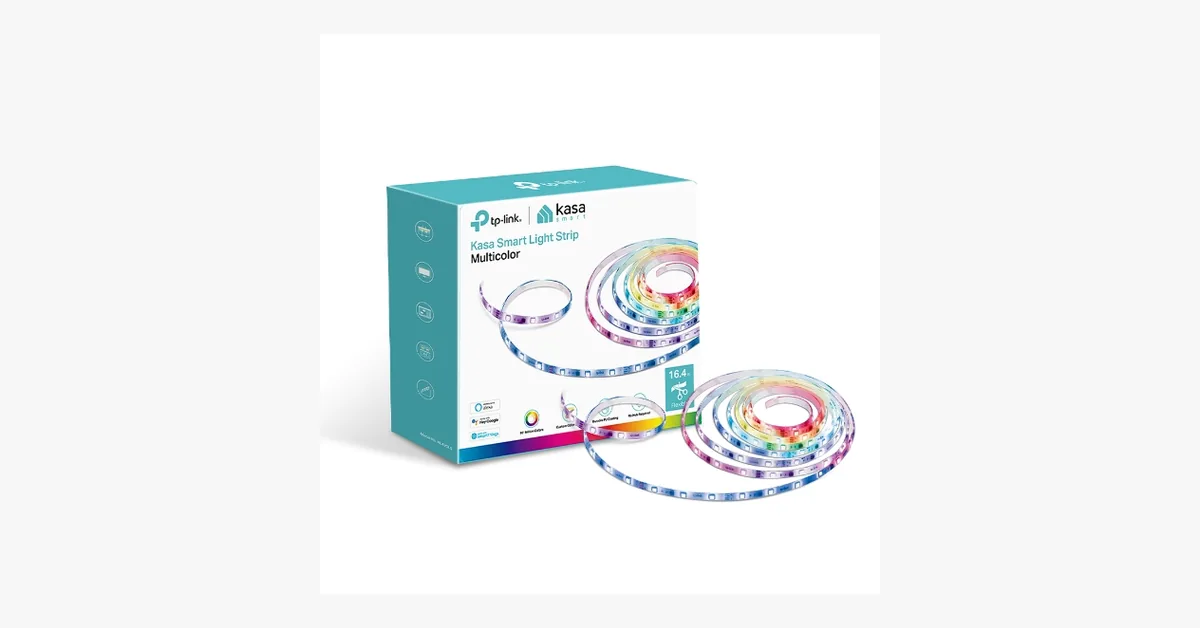
The most useful feature for a shared apartment may be the schedule. Give the strip an ordinary evening setting first. Choose the brightness while someone else is using the room, save the setting, and set a time to switch off. You’ll learn more about whether the light suits the space from one quiet evening than from cycling through every effect during setup.
There are specific cut marks. TP-Link says to disconnect power before cutting and warns that leftover pieces generally can’t be reused as independent lights. Its guidance discusses particular reconnection options. Look up the exact model and connector before counting an offcut as a second working strip. A second shelf across the room still needs a planned route and compatible power and control.
Skip this choice if the only network in your building is a shared sign-in page and the building manager can’t offer a suitable connection for smart devices. A phone successfully streaming video on that network doesn’t establish that a light strip can complete its own setup. Find out how the building handles devices without a browser before peeling the backing.
Philips Hue Solo for useful white light
The 10-foot Solo is worth considering for a shelf above a workspace or the wall behind a sideboard. Philips Hue lists RGBWW LEDs, up to 1,700 lumens, and a strip that can be cut but can’t be extended. White light matters in these places because you’ll see the objects the strip is lighting. A beautiful purple scene doesn’t help much when you’re trying to tell a navy cable from a black one.
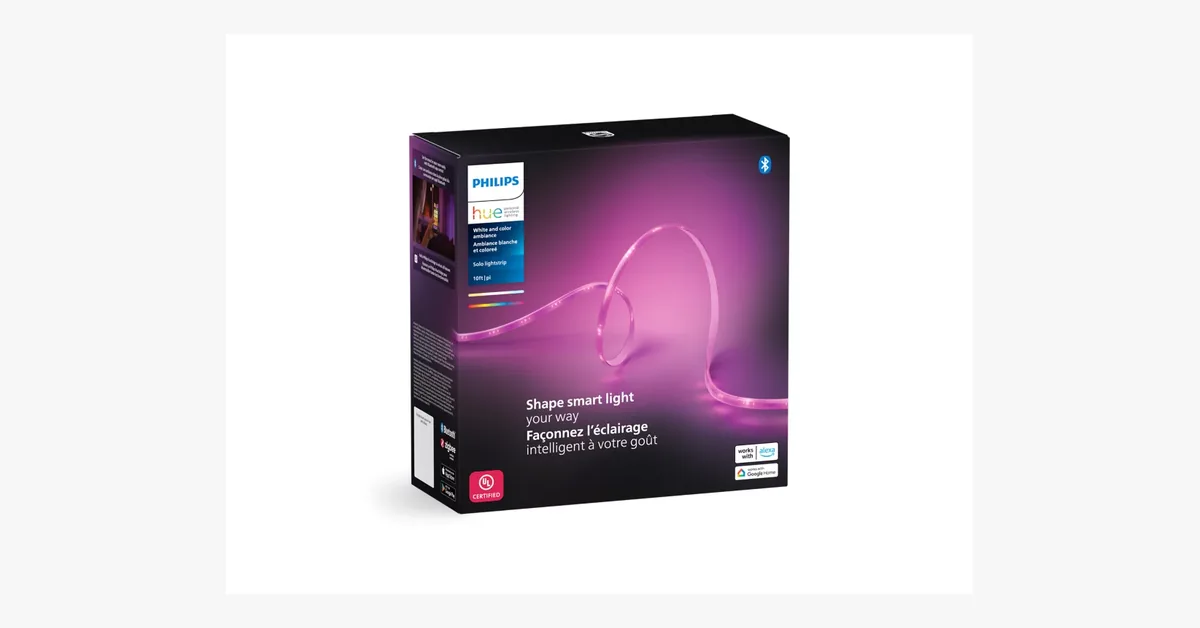
Take the 1,700-lumen figure as the published output for the specified product. It doesn’t describe the amount arriving at the desktop after the light has bounced off the wall, and you shouldn’t carry it over to every color or a much shorter piece. A pale wall close to the strip will look different from a dark curtain several feet away. If you want light on paperwork, leave room for a small task lamp.
The word “Solo” matters when comparing prices. If the shelf might become an entire room perimeter in six months, buying this kit now won’t give you an extension socket later. It’s an easier decision when you own a particular piece of furniture and know the exact run. Compare the model number on the carton with the manufacturer’s page.
Govee Strip Light 2 Pro for distinct color zones
The H61F5 is the 16.4-foot version of Govee’s Strip Light 2 Pro. The maker lists customizable segments, marked cut points, Wi-Fi and Bluetooth control, and Matter support. This is the choice I’d consider if a strip needs to put a warm patch beside the monitor and a contrasting color farther along the same piece of furniture.
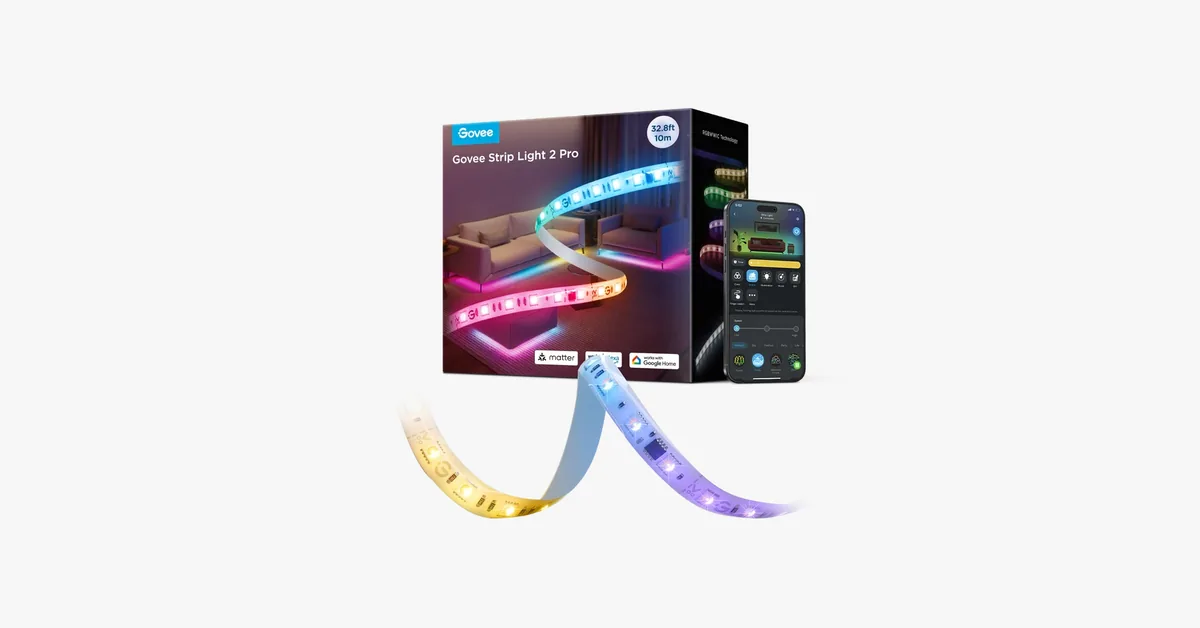
Plan a scene by where the light lands. A blue segment behind the monitor may look blue on a white wall and almost disappear against dark fabric. Start with the whole run set to white so you can spot glare and uneven distances. Move to a two-color scene once the position looks good. A new color effect takes seconds to change in the app. A strip pressed into adhesive takes rather longer to move.
Choose your control platform based on the features you’ll use every night. Ask whether your home app needs to switch the lights on, change brightness, or reproduce a custom animation. Verify each behavior you care about. A compatibility badge is a good starting point, but check the maker’s app for segment editing and keep the pairing instructions with the controller. This is especially useful if one roommate sets up the app and another becomes responsible for the light.
Measure the lit run and the unlit lead separately
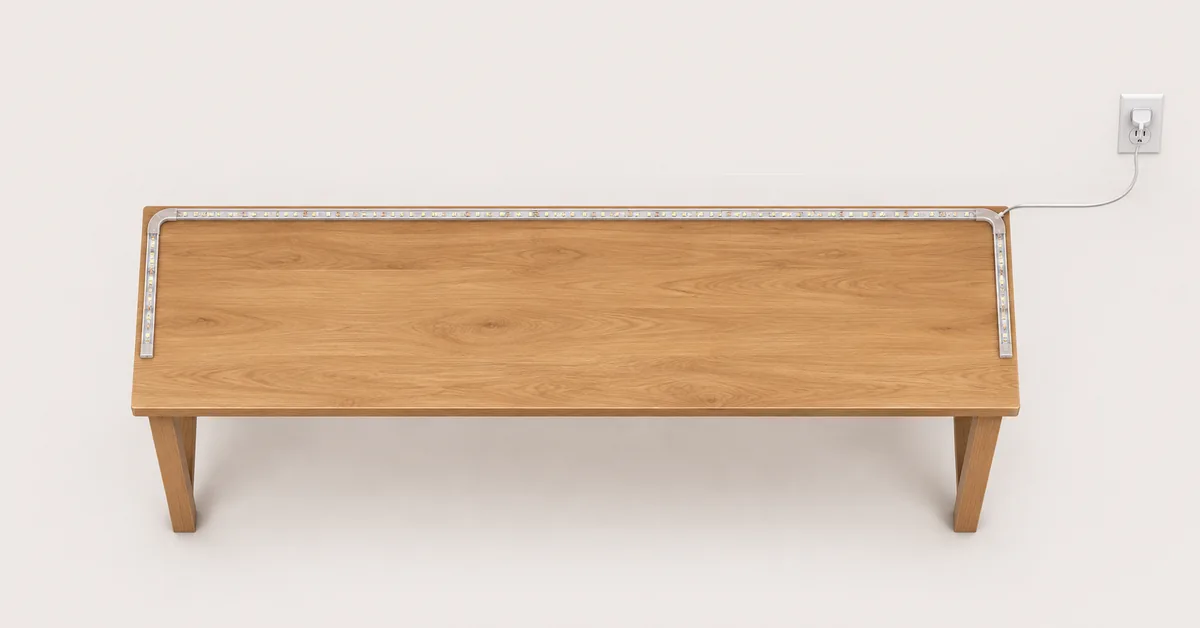
Imagine a desk six feet wide with an 18-inch return down each side. That’s nine feet of illuminated route. Now find the socket. If it’s behind a drawer unit on the opposite side from the controller, the first few feet you need may be plain cable. Adding that distance to the lit measurement and buying a longer strip won’t make the adapter lead reach.
- Draw the desired line on paper. Label where the first LED should begin and where the last one should end. Measure each straight section, including any gentle turn the manual permits.
- Measure from the outlet to the first LED along the real cord route. Include furniture legs, drawer clearance, and the space needed to unplug the adapter. Compare that measurement with the kit’s lead and controller layout.
- Mark interruptions. A doorway, deep shelf divider, sliding cabinet panel, or adjustable-height desk can interrupt a route that looks continuous on a floor plan. Check for moving parts with the furniture in its normal positions.
- Find the cut marks for the exact model. If a strip ends only at fixed intervals, round the layout to a permitted point. Leave an unfinished stretch where it won’t be visible instead of cutting through a circuit.
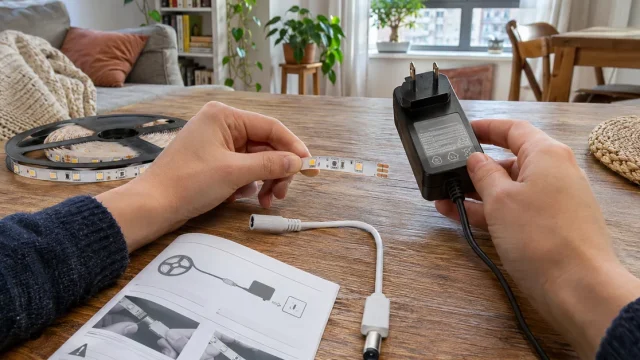
- Lay the unpowered strip out loosely and follow the maker’s directions for a temporary light test. Leave the backing intact. Look from your usual seat and from the doorway, then decide whether to proceed.
The longest LED strip lights aren’t always the easiest ones to put away at move-out. A kit sold as 100 feet may contain multiple reels connected to the same controller. Ask how many reels there are, where each begins, and whether any section can run independently. Those answers determine whether the box can cover two rooms or only two paths starting at one outlet.
If the power lead has to cross a visible wall, see how to hide cords on a wall without drilling.
Before joining or extending any strip, check whether LED light strips are compatible.
Pick the light you want to see from bed
For bedroom use, lie down before deciding where the strip goes. A strip hidden from standing height can put individual diodes right in your eyes from a pillow. The same thing can happen when a glossy wardrobe door reflects a row of bright dots. A few inches of setback behind a headboard or shelf lip can change the result more than a different color setting.
Keep bedding, cords, and the power supply out of each other’s way. A loose controller that falls behind a bed is annoying to reach and easy to forget during cleaning. Choose an accessible spot allowed by the manual and leave normal ventilation around the equipment. If a metal bed frame folds or rolls, work through the mechanism’s full travel before attaching anything.
For shared bedrooms, try a simple two-setting arrangement. Save one brighter white setting for finding things and one dim evening setting for when someone is already in bed. Test both from the other person’s pillow. A light aimed down a hallway can shine under a bedroom door, so check the view beyond your own room before scheduling a sunrise effect.
Need light from overhead too? Compare battery-operated ceiling lights for renters.
Decide what should happen when your phone is elsewhere
A smart strip you can control only from the phone under a sofa cushion will get old fast. Look for the physical control available on the kit and verify which functions it handles. Place it where someone can reach it while seated. If you use voice control, give the strip a name that’s different from the overhead lamp. A guest asking for “the light” shouldn’t have to learn the whole room.
During setup, check the network the exact model requires. Give the strip its own logical room in the app, turn it off and on once, and confirm how the household will share access. When schedules overlap across multiple apps, it can look as if the strip has a mind of its own. Start with one schedule in one place. Add automations only after basic control works reliably.
Try one power-loss rehearsal during the return window. Switch the system off and restore power as the manufacturer allows, then note which color and brightness return. A bedroom strip that comes back at full brightness after a brief outage may need a different setting or placement. Also check whether the button still reaches your favorite preset when your phone is charging elsewhere. These are five-minute checks you can’t do from the product photo.
If your building network makes setup difficult, start with our guide to smart home Wi-Fi in an apartment.
How much electricity will it use?
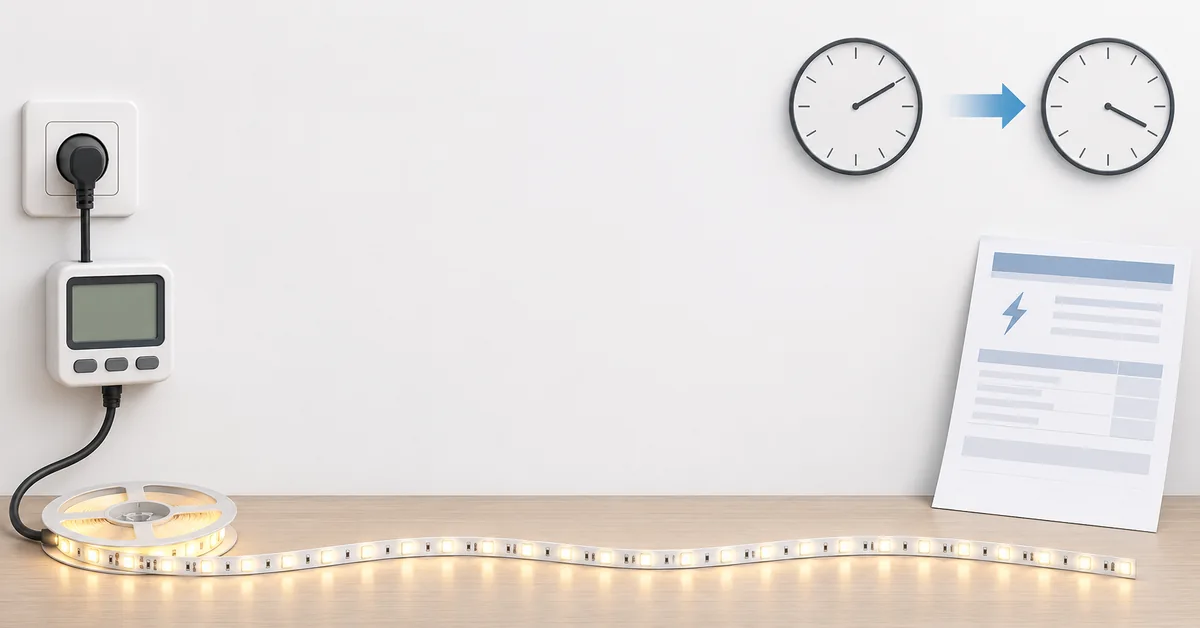
A useful cost estimate starts with watts, run time, and the price per kilowatt-hour on your bill. For the US Kasa KL420L5 at its specified maximum of 20.5 watts, five hours per day for 30 days works out to 3.075 kilowatt-hours. At an illustrative rate of $0.20 per kilowatt-hour, that’s about $0.62 for those operating hours. Your settings, standby use, and local rate can change the actual cost.
That calculation answers the electricity question. It doesn’t establish which is the most efficient LED strip. To compare efficiency, you need comparable light output and input power for the same length, color setting, and test condition. Putting one kit’s maximum lumens beside another kit’s nominal watts won’t answer it. For shelf lighting, useful light at a brightness you actually enjoy is a better starting point than the highest number on a box.
If you own a compatible plug-in energy meter, you can measure a week of your ordinary use. Keep the schedule and color choices you’d normally use, then divide the measured kilowatt-hours by seven to estimate a typical day. That result is more informative than measuring a single bright white scene you never leave on. Check your own electricity bill before converting it to dollars or pounds.
Protect the finish and make move-out easier
Select the surface as carefully as the strip. New paint, old wallpaper, unfinished wood, and a landlord’s cabinet finish all present different removal questions. A short test in a hidden spot can reveal immediate problems, but it can’t guarantee how adhesive will behave after a year. If the surface would be expensive to restore, plan the installation around a piece of your own furniture.
For an apartment kitchen, consider the cabinet before you aim light at the countertop. Will the controller fit without a cabinet door pressing on it? Would cleaning splash the strip or adapter? Is the proposed route near a cooktop, steam outlet, or sink? Check the product’s approved environment. A decorative coating on a strip doesn’t establish that its power and control components belong in a wet location.
When you move, start by photographing the layout and identifying the kit, controller, and power supply as a set. Disconnect power before taking anything apart. Follow the adhesive maker’s removal procedure for the actual material you installed. Stop if the finish begins to lift. Old backing may need a manufacturer-approved replacement before the strip can be mounted again.
Setting up more than strips? See how to set up smart lighting in an apartment without rewiring.
If you also use adhesive hooks nearby, read our guide to Command strips and hooks before you remove them.
A practical layout for a desk you might move
Start at the monitor end if the desk doubles as your workstation. Turn the screen off and look for reflections while you hold a small lamp near the proposed strip position. Then turn the screen on and open a dark page. A reflection you can barely see on a white document may become surprisingly obvious during a film or a late call. A strip behind the desk, aimed toward a matte wall, is often easier to live with than one along the front edge aimed toward your eyes.
Check where the desk will go in its second home, too. A desk pushed flush against the wall leaves little space for light to spread. A desk that stands several inches out may show a wider wash and expose more cable from the side. Leave yourself an option to move the controller on your own furniture without reworking the entire run. If you’re buying a desk riser later, reserve enough slack for its full travel without letting the cable pull at the strip.
A shelf used for objects needs a different rehearsal. Put a dark book, a framed photo, and a pale object on it, then try the white setting you expect to use. A shiny frame can reflect individual light points even when you can’t see the LEDs directly. Moving the source toward the front or aiming it at the shelf above may soften that reflection. Decide whether the display looks good while the room’s normal lights are on as well as after dark.
For anyone buying in Canada, the UK, or Australia, check the manufacturer’s local page for the kit in the cart. The US KL420L5 version covered here lists a 120-volt input. A matching strip length or a familiar brand logo doesn’t settle whether an adapter suits your local supply. Look for the appropriate locally supplied kit and compare local warranty terms, especially if a marketplace seller offers an imported box.
Questions
Frequently asked questions
Can smart LED strip lights show two colors at the same time?
Some models can assign different colors to different zones. The Kasa KL420L5 and Govee Strip Light 2 Pro described here both offer zone control. A listing that promises a choice of millions of colors alone doesn’t tell you how many colors can appear along the strip at once.
Can I use the cut-off strip on another shelf?
Check the exact kit before planning on it. A permitted cut lets you shorten a strip. The remaining section needs a compatible way to receive power and control signals. Buy a separate kit for an isolated shelf if the maker doesn’t document a practical way to reuse the piece.
Can I put one of these indoor strips on my balcony?
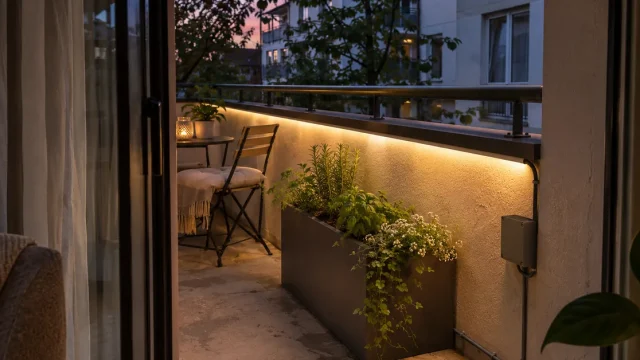
Choose an outdoor-rated kit for a balcony. Check the rating and placement limits for its strip, controller, and power supply. A sheltered balcony can still see rain or condensation. The indoor buying decision and the outdoor installation requirements are different.
Lighting a patio instead? Compare the best outdoor smart LED strip lights for renters.
Do I need a hub?
It depends on the model and the features you want. The Kasa KL420L5 connects through compatible 2.4 GHz Wi-Fi. For a Hue setup, check the control options and any Bridge requirements for your preferred automations before buying. Include any additional hardware in your budget.
Start with one surface
Measure one desk, shelf, or headboard and choose one evening setting you know you’ll use. Order the kit whose length, controls, and power lead fit that job. Once you’ve seen the effect from your usual seat, you can decide whether another strip would add anything to the room.