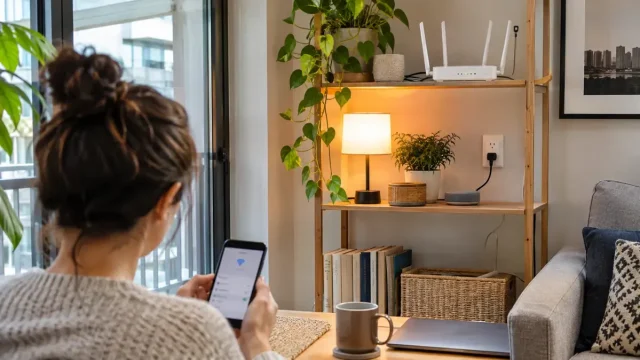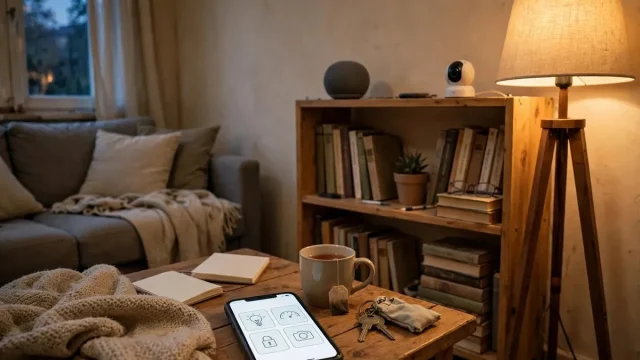
Smart home devices without WiFi don't all fail the same way. Devices that work locally, like Matter, Thread, Zigbee, Z-Wave, and many hub-based systems, often keep running schedules and respond to local controls during an outage. Cloud-only WiFi devices may stop responding to apps and voice assistants until the internet returns. In every case, the physical buttons and switches on your devices should still work, which is why you should never rely on a smart device as the only way to control something.
Also read: Renter Friendly Smart Home: The Complete No-Drill Guide · Best Smart Home Devices for Renters: What to Buy First (No Drilling) · Smart Homes for Rent – What to Look For (and How to Make Any Rental Smart) · Plug In Solar Panels for Balcony – Setup Guide for Renters (Outlet, Mounting & What to Buy) · No Drill Wall Decor Ideas for Renters (Tenant-Friendly)
Quick answer
- Internet down, WiFi router still on: local-control devices (Matter, Thread, Zigbee, many hubs) usually still work from your phone at home. Cloud-only devices often don't.
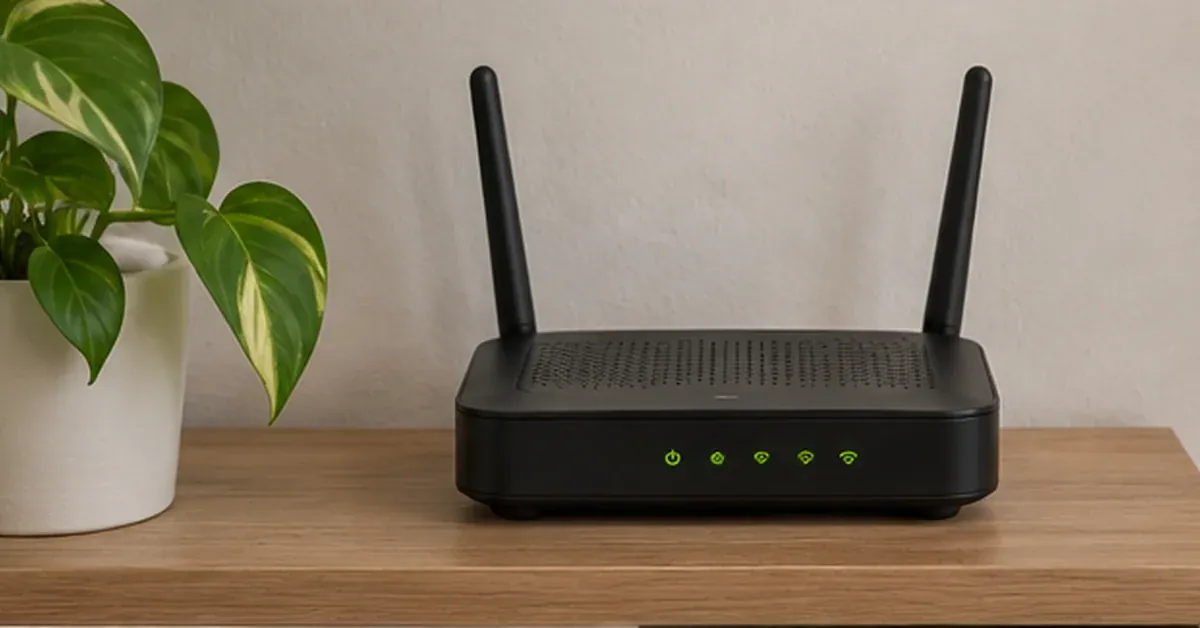
- Router off or power out: most WiFi devices go offline. Thread and Zigbee devices may still talk to each other if their hub has power.
- Always: physical buttons, wall switches, and lamp switches still work.
- Voice assistants usually need the internet for most commands.
Two kinds of outages
It helps to separate "no internet" from "no WiFi."
| Situation | What's down | What often still works |
|---|---|---|
| Internet outage | Connection to the outside world | Your home network; local-control devices; some schedules |
| Router off or reset | Your home WiFi | Thread or Zigbee mesh devices with a powered hub; physical controls |
| Power outage | Everything without battery backup | Battery sensors (but they can't report); physical controls once power returns |
| Building WiFi down | Shared network | Devices on your own private router, if you have one |
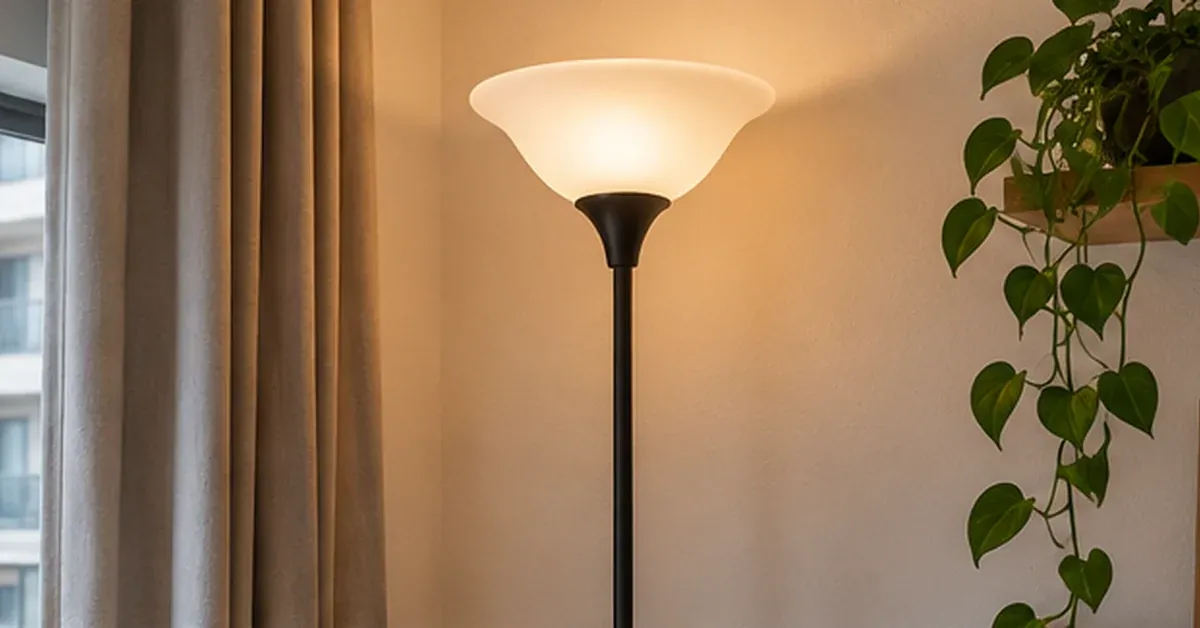
Which smart home devices without WiFi keep working locally?
| Device type | Local control during internet outage? | Note |
|---|---|---|
| Matter devices | Often yes, within your home network | Controller must be on your local network |
| Thread devices | Often yes; Thread devices offline usually means the border router lost power | Need a powered Thread border router |
| Zigbee or Z-Wave with hub | Often yes | Hub-based automations may still run |
| Cloud-only WiFi plugs and bulbs | Often no app control | Physical button still works |
| Cameras | Usually no remote view | Some record to local storage |
| Smart speakers | Most voice commands fail | Some local commands may work |
| Smart locks | Keypad and key usually work | Remote access needs internet |
Local behavior differs by brand and setup, so test yours.
Battery backup basics for renters
A small uninterruptible power supply (UPS) keeps your router, modem, and hub running through short power blips. For renters, it's a plug-in device with no installation.
- Size it for your router, modem, and hub, which together often draw only a few dozen watts.
- Plug the UPS directly into the wall, then plug your network gear into its battery outlets.
- Expect it to cover short outages, not a full day without power.
How to test your setup
- Unplug the modem (not the router) for a few minutes.
- Try each device from your phone while connected to home WiFi.
- Try voice commands.
- Check whether schedules still trigger.
- Note what fails and plan backups.
How to make your smart home more outage-proof
- Favor Matter, Thread, or hub-based devices for things you rely on daily, like lights and locks.
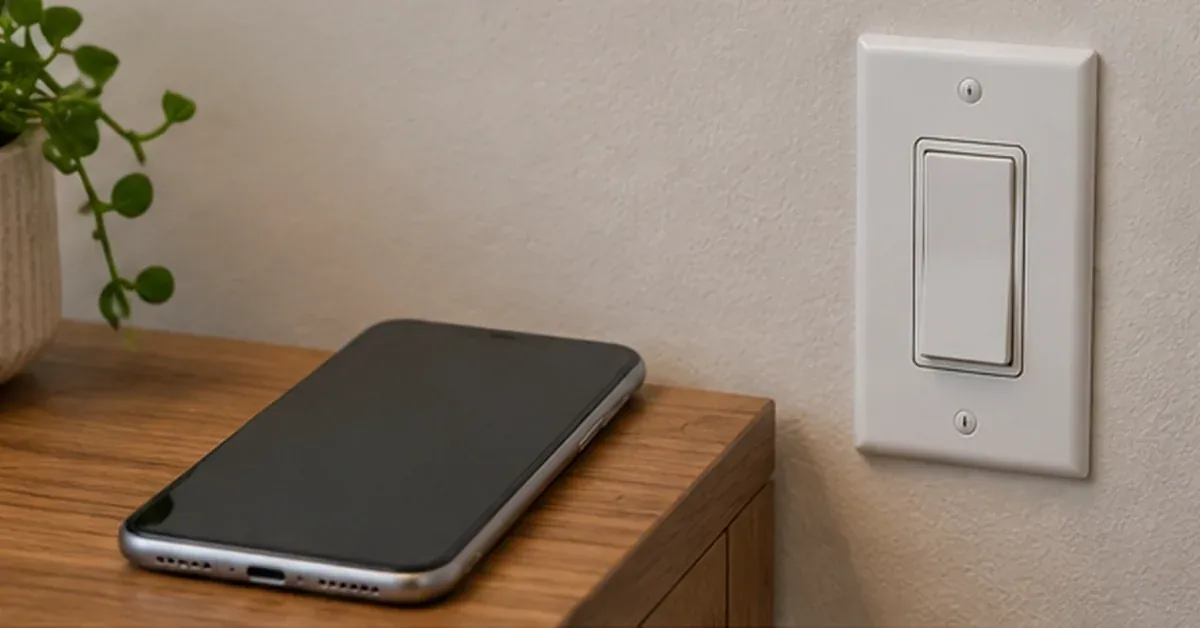
- Keep physical controls working. Don't hide wall switches; use switch covers instead of removing them.
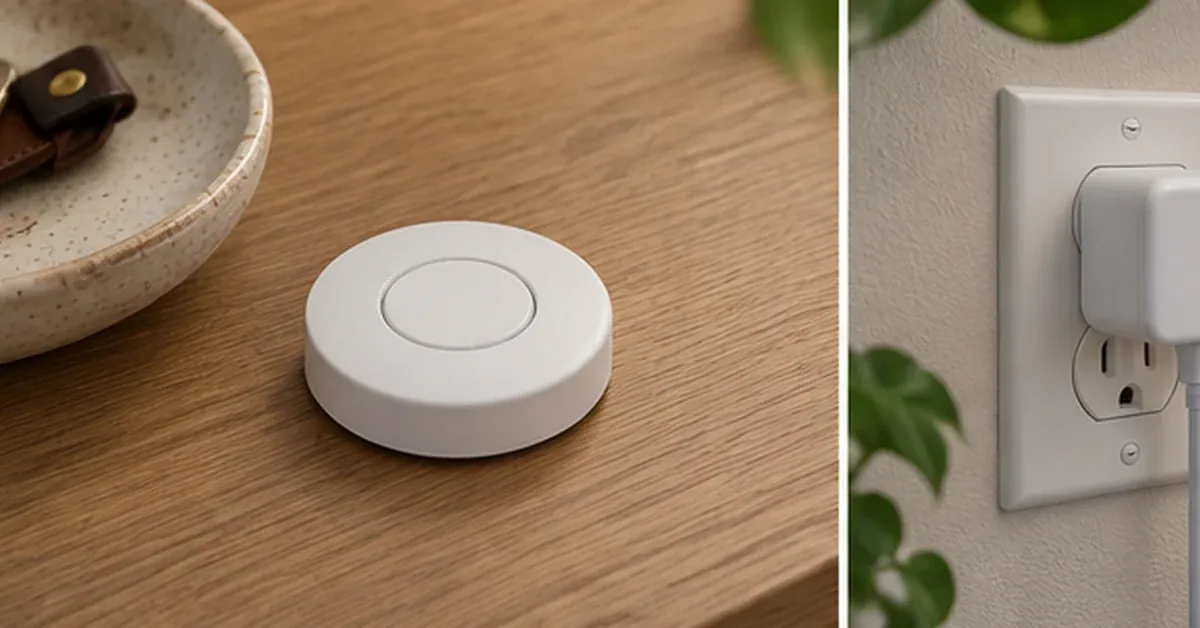
- Add a wireless button that talks directly to a hub, so you can control lights even if your phone app fails.
- Use a battery backup (UPS) for your router and hub so short power blips don't knock everything offline.
- Choose cameras with local storage if you want recordings during outages.
- Keep a physical key for smart locks, and check that the keypad works offline.
Why local control matters for renters
Local control means your phone or hub talks to the device directly over your home network, instead of sending every command through a company's servers. For renters, that has real benefits:
- Faster response. Commands don't travel to the cloud and back.
- Works on shaky building internet. Many apartment networks drop out during busy evenings.
- More privacy. Less data leaves your home.
- Longer device life. If a company shuts down its cloud service, local devices may keep working.
Matter was designed with local control in mind, which is one reason it's a good fit for rentals. Thread adds a low-power mesh, so devices relay messages to each other and don't all crowd your Wi-Fi.
What to buy if outages are common in your building
| Need | Better choice |
|---|---|
| Lights that always respond | Matter over Thread bulbs plus a wireless button |
| Door alerts during outages | Zigbee or Thread contact sensors with a hub on battery backup |
| Camera footage during outages | Camera with a microSD card or local base station |
| Lock you can always open | Smart lock with keypad plus physical key |
| Router that stays on in short blackouts | Small UPS battery backup |
A real renter scenario
Leo's building internet drops for an hour most Friday nights. His cloud-only Wi-Fi plugs stop responding every time, so he swaps the living room lamps to Matter-compatible plugs controlled through his smart speaker hub and adds a wireless button by the door. Next Friday, the internet drops again, but the lamps still turn on from the button and his phone on home Wi-Fi.
Apartment-specific issues
Many apartment buildings provide shared internet. If the building network goes down, every resident loses it at once. A private router with your own internet plan gives you more control. If your building blocks device pairing in the first place, read How to Set Up Smart-Home Wi-Fi in an Apartment.
If your devices keep dropping offline even when the internet works, see Smart Home Devices Keep Disconnecting? Fix Connectivity Issues With Many Devices and Smart Home Troubleshooting: Fix Offline Devices, Hubs & Wi-Fi Problems.
When devices come back online
After an outage, some devices reconnect on their own; others need a nudge.
- Restart the router and wait a few minutes.
- Restart hubs and border routers.
- Power-cycle any device still offline.
- Check the default power-on behavior of smart bulbs, so they don't all turn on at 3 a.m. after a power cut.
Mistakes to avoid
- Assuming "local control" means "works without power." Plugged-in devices stop when the power goes out unless they're on a battery or UPS.
- Relying on cloud-only cameras for outage alerts. If the internet is down, alerts can't reach your phone.
- Forgetting the router and hub. Local automations often need the hub, and remote access needs the router and modem. Put them on a small UPS.
- Letting smart lock batteries run low. Replace batteries on the first low-battery warning and keep the physical key handy.
- Factory resetting devices during an outage. Most devices reconnect on their own once power and Wi-Fi return. Give them a few minutes first.
Questions
Frequently asked questions.
Do smart home devices work without WiFi?
Some do. Matter, Thread, Zigbee, and hub-based devices often work locally. Cloud-only WiFi devices may lose app and voice control until WiFi and internet return.
Will my smart plug work without internet?
A smart plug without internet still works from its physical button. App control depends on whether the brand supports local control.
Do smart locks work during an internet outage?
Most keypads and keys still work. Remote access and notifications usually need the internet.
How can I keep my smart home running during outages?
Use local-control devices, keep physical switches working, and put your router and hub on a battery backup.
Conclusion
Smart home devices without WiFi behave very differently depending on how they connect. Build around local-control devices, keep physical controls in place, and test your setup before an outage tests it for you. For the bigger picture on protocols, read Matter, Thread, Zigbee and Wi-Fi: What Is the Difference?.
Sources
- Connectivity Standards Alliance: Matter local control
- Manufacturer support pages on offline behavior for smart plugs, locks, and cameras